
LetsGo2U games, rewards and member features






Welcome to the LetsGo2U Official Platform
- 1. Welcome to the LetsGo2U Online Experience
- 2. About LetsGo2U and Its Platform Features
- 3. Why Choose LetsGo2U
- 4. Benefits of Using LetsGo2U
- 5. Explore LetsGo2U Game Types
- 6. What Is LetsGo2U?
- 7. Steps to Get Started with LetsGo2U
- 8. LetsGo2U Register Steps
- 9. Join LetsGo2U and Create an Account
- 10. LetsGo2U Download Steps
- 11. Download and Access LetsGo2U
- 12. Become a LetsGo2U Agent
- 13. Frequently Asked Questions About LetsGo2U
Welcome to the LetsGo2U Online Experience

One Place for Games, Activities and Account Features
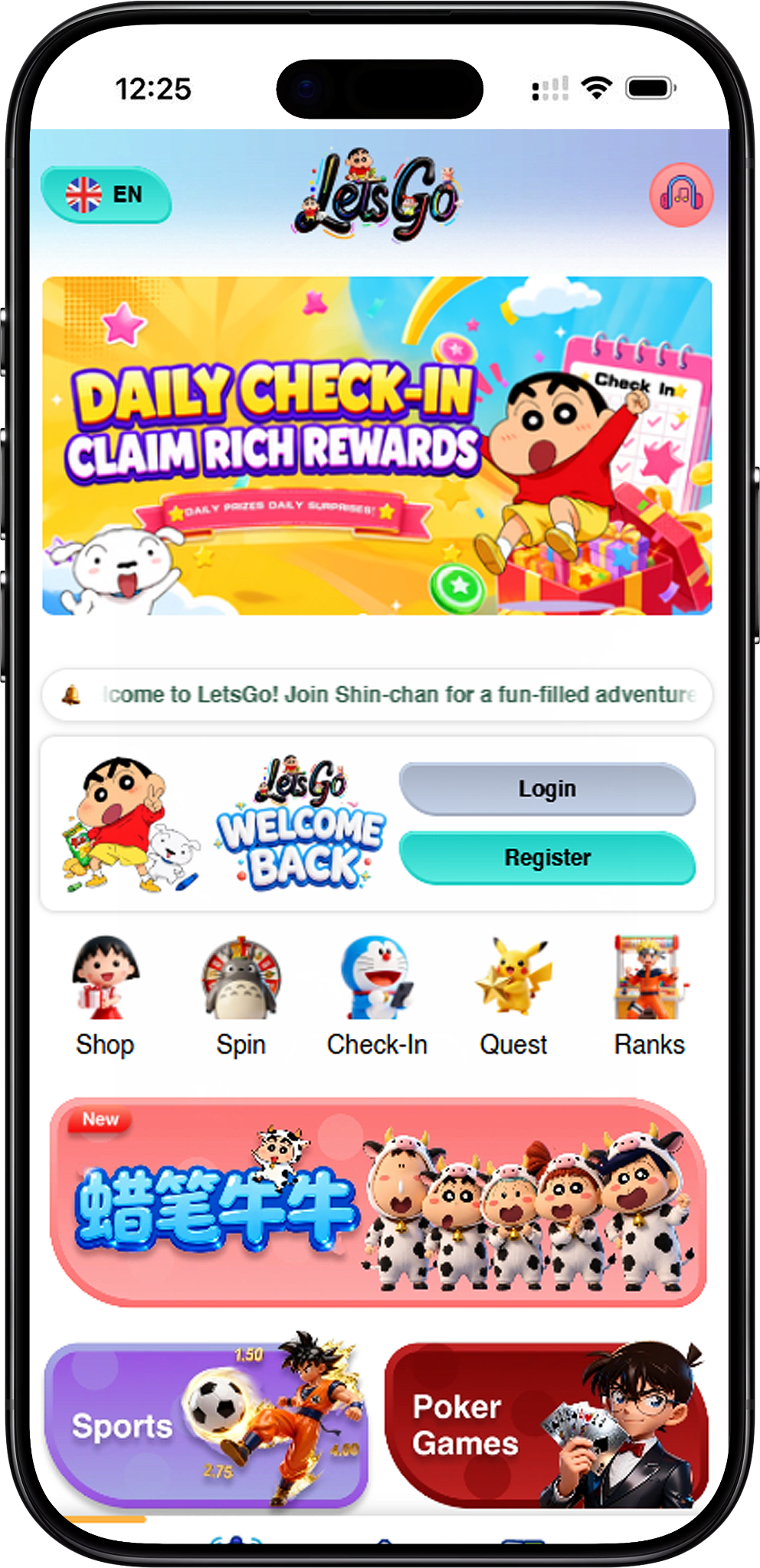
LetsGo2U provides a central experience where members can move between games, promotional activities, rewards and account services. Instead of treating each feature separately, the platform connects everyday account access with entertainment categories and member-focused features such as Check In, Spin, Shop, Quest, Rank and Rebate.
Start with the Features That Matter to You
New users can begin with Register (/en/register, internal link) to learn about account creation, while returning members can access Login (/en/login, internal link). Users who prefer supported mobile or device access can review Download (/en/download, internal link) for the available platform options.
Explore Games and Member Activities
Members looking for entertainment can visit Games (/en/games, internal link) to explore Poker Games, Fishing, Sportsbook and 4D Lottery options. Beyond games, the platform also includes Promotion (/en/promotion, internal link), Check In (/en/check-in, internal link), Spin (/en/spin, internal link), Quest (/en/quest, internal link) and Rank (/en/rank, internal link) sections for different activities and reward experiences.
About LetsGo2U and Its Platform Features
Games Across Multiple Categories
The game section is organised around several types of entertainment rather than a single category. Available areas include Poker Games, Fishing, Sportsbook and 4D Lottery. This structure allows users to browse the category that matches their interests without having to search through unrelated content.
Rewards Beyond Regular Gameplay
The supplied materials show several additional member features. Daily Check In rewards encourage consecutive participation, while the Spin feature presents a prize wheel with available chances and displayed MYR prize segments. Members can also explore Shop, Quest and Rank features depending on the activity they want to access.
Daily Check In Rewards
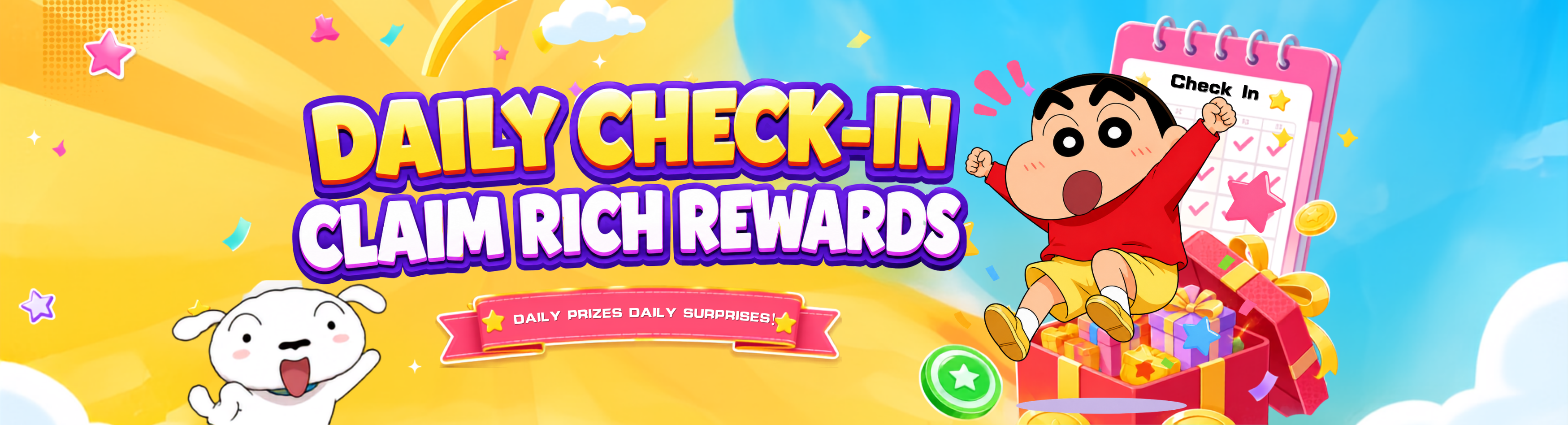
The Check In (/en/check-in, internal link) feature provides a seven-day check-in sequence. The supplied information states that a reward can be claimed once per day, consecutive check-ins unlock better rewards and special-day bonuses, and missing a day resets the sequence to Day 1.
Lucky Spin Activities
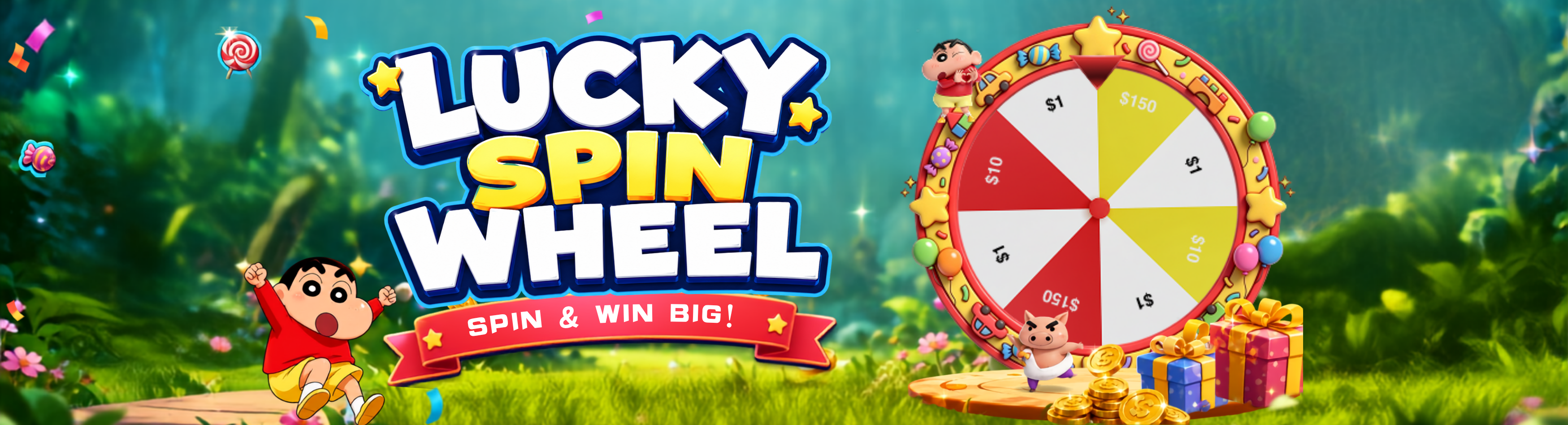
The Spin (/en/spin, internal link) section provides a wheel-based reward activity. The supplied interface displays the member’s available chances and MYR balance before a spin, allowing users to see whether they currently have an opportunity to participate.
Ranking and Community Activities
The Rank (/en/rank, internal link) area displays NiuNiu Wager and NiuNiu Charity rankings. The supplied ranking screens show Top 1, Top 2 and Top 3 positions followed by additional ranked participants, with masked account details, scores and recorded timestamps.
Account Funding and Withdrawals
Account management also includes Deposit (/en/deposit, internal link) and Withdraw (/en/withdraw, internal link) sections. The supplied withdrawal interface shows a minimum withdrawal amount of MYR 50, preset amount selections, supported banking options, account details and PIN confirmation before submission. Users should always verify the information displayed in their account before confirming a financial transaction.
Rebate and Agent Opportunities
Members can review Rebate (/en/rebate, internal link) for the supplied game-category rebate structure. Users interested in referrals can instead visit Agent (/en/agent, internal link), where the provided materials describe a three-generation structure consisting of Shareholder, Agent and Player levels.
Why Choose LetsGo2U
Multiple Game Categories in One Platform
Users can move between Poker Games, Fishing, Sportsbook and 4D Lottery through dedicated sections. This category-based organisation makes it easier to identify the type of game a user wants to explore while keeping detailed game information on the relevant pages.
Member Activities for Different Interests
The platform extends beyond its main game catalogue with Check In, Spin, Shop, Quest and Rank features. These sections provide different ways to interact with the platform, whether the user wants to follow a daily check-in sequence, view rankings, use available spin chances or explore other member activities.
Clear Rebate Information by Game Category
The supplied rebate materials separate rates according to both game type and generation. Sport Game, Cockfight Game, Fishing, Poker and 4D Lottery each have their own displayed percentages for Shareholders, Agents and Players. Members can use Rebate (/en/rebate, internal link) to review the dedicated information rather than assuming the same rate applies to every category.
Dedicated Account Access and Transaction Sections
Important account actions have dedicated destinations. Registration and sign-in information are separated from deposits and withdrawals, helping users locate the relevant process without mixing account creation with transaction instructions.
Referral Structure for Interested Members
Users interested in building a referral network can learn about the Shareholder, Agent and Player structure through the dedicated Agent section. The supplied information also explains example barrel-profit calculations and directs prospective Agents to contact support when they want to request an Agent Account.
Information Before Participation
The platform’s dedicated pages allow users to review relevant instructions, displayed rates and activity details before taking action. This is particularly important for rebates, promotions, transactions and referral opportunities, where conditions can differ by feature or account level.
Benefits of Using LetsGo2U
Daily Check-In Rewards
Members can use Check In (/en/check-in, internal link) once per day to build a consecutive seven-day sequence. According to the supplied rules, consecutive check-ins unlock better rewards and special-day bonuses, while a missed day resets the sequence to Day 1.
Lucky Spin Opportunities
The Spin (/en/spin, internal link) feature gives eligible members access to a prize wheel when spin chances are available. The supplied interface displays the current MYR balance, available chances and prize amounts directly on the wheel before participation.
NiuNiu Ranking Activities
The Rank (/en/rank, internal link) section includes separate NiuNiu Wager and NiuNiu Charity rankings. Members can view leading positions, displayed scores and recorded activity times while participant identifiers remain partially masked.
Game Rebate Structure
The Rebate (/en/rebate, internal link) section provides different rebate percentages according to game category and generation. The supplied information covers Sport Game, Cockfight Game, Fishing, Poker and 4D Lottery, with separate rates for Shareholders, Agents and Players.
Three-Generation Referral Benefits
The supplied Agent materials describe a three-generation structure consisting of Shareholder, Agent and Player levels. Each generation can participate in the applicable rebate structure, while the dedicated Agent information explains referral relationships and example profit calculations in greater detail.
Explore LetsGo2U Game Types
Poker Games
Poker Games include card-based entertainment such as the supplied NiuNiu gameplay. The NiuNiu materials explain point multipliers, special combinations and point-comparison rules. Visit Poker Games (/en/games/poker-games, internal link) for dedicated game information.
Fishing
Fishing provides a separate game category for members who prefer fishing-style gameplay. Users can visit Fishing (/en/games/fishing, internal link) to explore the available content for this category.
Sportsbook
Sportsbook gives members access to sports-related gaming options through a dedicated category. Visit Sportsbook (/en/games/sportsbook, internal link) for the available sports content and related information.
4D Lottery
4D Lottery provides a dedicated lottery category alongside the other main game types. Members interested in lottery-related content can visit 4D Lottery (/en/4d-lottery, internal link) to review the relevant information.
What Is LetsGo2U?
An Online Platform for Games and Member Features
LetsGo2U is an online platform that combines multiple game categories with account services and member activities. Its available sections cover Poker Games, Fishing, Sportsbook and 4D Lottery as well as promotions, Check In, Spin, Shop, Quest, Rank and rebate-related information.
Account and Transaction Access
Members can use dedicated sections for account-related actions rather than relying on a single general page. These include Login (/en/login, internal link), Deposit (/en/deposit, internal link) and Withdraw (/en/withdraw, internal link), making it easier to find information relevant to a specific account task.
Promotions and Member Activities
Users can review Promotion (/en/promotion, internal link) for available promotional information and explore Shop (/en/shop, internal link) or Quest (/en/quest, internal link) for additional member features. Conditions and availability should always be checked on the relevant page before participation.
Steps to Get Started with LetsGo2U
Step 1: Create Your Account
Begin with LetsGo2U Register (/en/register, internal link) to review the Sign Up process and the information required for a new account, including the Upline Referral Code and QR Code access described in the registration materials.
Step 2: Choose Your Preferred Access Method
After registration, review LetsGo2U Download (/en/download, internal link) to find the available App, APK, Android, iOS or Desktop access information. Use only the options currently provided on the official platform.
Step 3: Explore Games and Account Features
Once account access is ready, visit Games (/en/games, internal link) to browse Poker Games, Fishing, Sportsbook and 4D Lottery, or explore member areas such as Check In, Spin and Rank according to your interests.
Step 4: Consider the Agent Program
Users interested in referrals and team-based rebate opportunities can continue to LetsGo2U Agent (/en/agent, internal link). The dedicated page explains the Shareholder, Agent and Player structure and how to request an Agent Account.
LetsGo2U Register Steps
Step 1: Open the Registration Page
Select Register an Account (/en/register, internal link) to access the dedicated Sign Up page. Review the registration information before entering your account details.
Step 2: Prepare the Required Registration Details
The registration materials cover account details, an Upline Referral Code, Login UID creation, password setup, full-name entry, mobile number verification and Verification Code entry. Complete each displayed field accurately according to the instructions on the registration page.
Step 3: Complete Registration
Follow the on-screen verification process and confirm the submitted details before creating the account. The complete procedure is available through the dedicated registration guide rather than being duplicated on the Home page.
Join LetsGo2U and Create an Account
Start with the Official Registration Process
New users who have reviewed the platform features can proceed to the registration section. Use Sign Up with LetsGo2U (/en/register, internal link) to follow the full account creation and mobile verification instructions.
LetsGo2U Download Steps
Android Access
Step 1: Open the Download Section
Android users can begin from LetsGo2U Download for Android (/en/download, internal link) and check the currently available App or APK option before proceeding.
Step 2: Follow the Displayed Installation Instructions
Use the installation guidance shown on the dedicated Download page. Confirm that the selected file or access method matches your device before continuing.
iOS Access
Step 1: Check the Available iOS Option
iPhone and iPad users should open LetsGo2U Download for iOS (/en/download, internal link) and check the current iOS access instructions. Availability can differ from Android, so follow only the method displayed for iOS devices.
Desktop Access
Step 1: Review Desktop Compatibility
Desktop users can visit LetsGo2U Download for Desktop (/en/download, internal link) to review the currently supported Windows or macOS access method and follow the instructions provided for their device.
Download and Access LetsGo2U
Choose the Access Method for Your Device
Device requirements and available download methods can vary. Review the dedicated Download page first, then use the supported option for Android, iOS or Desktop rather than relying on files or installation instructions from unrelated sources.
Become a LetsGo2U Agent
Learn About the Three-Generation Structure
The Agent structure shown in the supplied materials consists of the first generation as Shareholder, the second generation as Agent and the third generation as Player. The example materials also illustrate rebate percentages and profit-sharing calculations for different levels.
Request an Agent Account
Start from Become an Agent (/en/agent, internal link). The supplied process directs interested users to visit the official website, select the WhatsApp icon or Contact Us button, connect with the support team and request an Agent Account. Support can also provide guidance about promoting the account and developing downline referrals.
Frequently Asked Questions About LetsGo2U
What game categories are available?
The supplied platform information identifies Poker Games, Fishing, Sportsbook and 4D Lottery as the main game categories. The Games (/en/games, internal link) page provides the central location for exploring them.
Does the platform provide daily activities?
Yes. The supplied materials include a seven-day Check In feature as well as Spin, Quest and Rank sections. Eligibility, available chances, rewards and other conditions can vary by activity, so users should check the relevant page for current information.
Where can I check rebate information?
Visit Rebate (/en/rebate, internal link) to review the supplied rebate structure for different game categories and generations. Rates should be checked on the dedicated page before relying on them for any calculation.
How do I withdraw funds?
The supplied withdrawal interface shows a MYR 50 minimum withdrawal, bank selection, account number, account name and PIN entry before submission. Visit Withdraw (/en/withdraw, internal link) for the complete withdrawal steps and current on-screen requirements.
How can I become an Agent?
Visit the dedicated Agent (/en/agent, internal link) section and follow the contact process. The supplied instructions state that prospective Agents can contact the WhatsApp support team to request an Agent Account and obtain guidance about developing downlines.
Where should new users start?
New users can begin with Register (/en/register, internal link), review Download (/en/download, internal link) for device access, and then explore the Games and member features relevant to them.
Start Exploring LetsGo2U Today
Create your account, review the available game categories and explore member features from the official platform. Check the relevant page for current rules, eligibility, rates and activity conditions before participating.